Description
Product Introduction
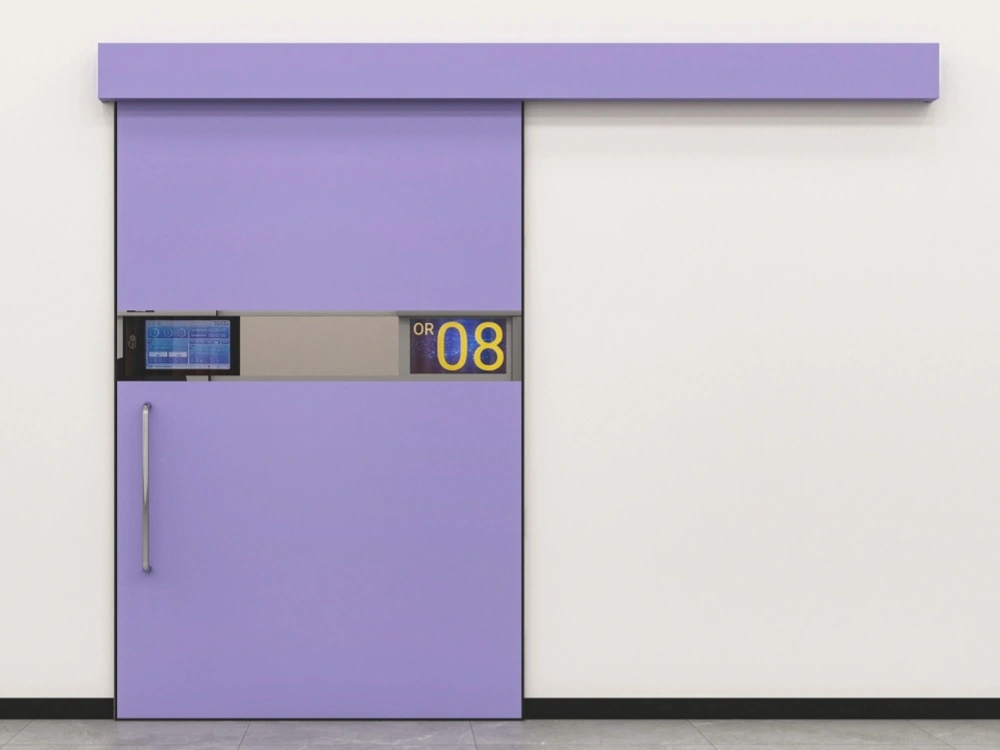
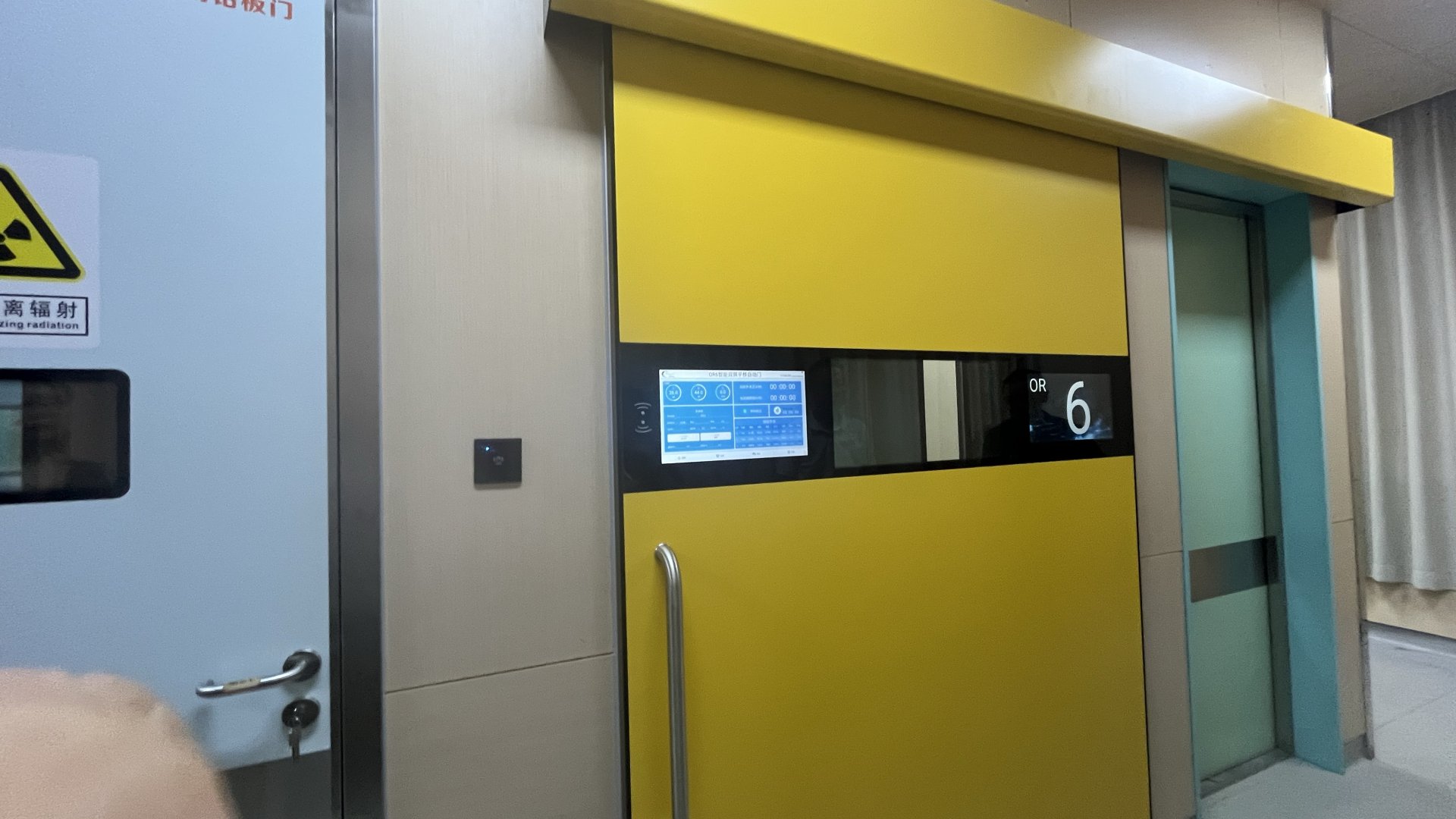
This product integrates a high-performance processor, an embedded industrial motherboard, a high-resolution high-definition display, a multi-point capacitive touch screen, and other advanced application technologies. It delivers powerful computing performance, graphics processing capability, and full HD video encoding/decoding capability, with materials and design strictly selected for the specific application in front of operating rooms. The operating room door machine information system adopts a network communication interface, connecting with the operating room scheduling system and the operating room intelligence panel. It enables convenient and standardized management of the operating room, minimizes the workload of medical staff, and is widely used in hospital operating rooms both at home and abroad.Product Functions
Hardware Functions
- The enclosure is made of tempered glass (capacitive screen), which is environmentally friendly and easy to clean.
- 10-inch display screen; overall dimensions: 208 × 318 mm (portrait orientation); supports 800 × 600 full HD display.
- Embedded Android-based system architecture with an industrial fanless hardware design, supporting long-term stable operation.
- Supports multiple network access methods, including wired Ethernet and Wi-Fi.
- Built-in 8 GB or larger storage, with support for USB flash drive and SD card storage expansion.
- Supports scheduled power on/off and auto-start of software on boot.
Software Functions
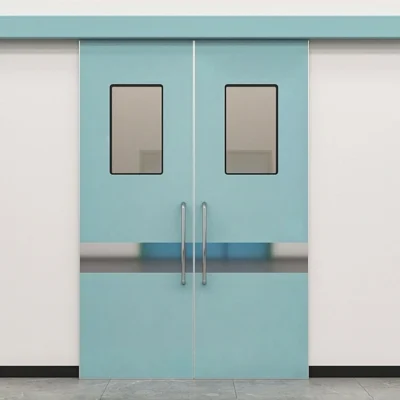
- Integrated with the operating room automatic door: supports manual sensing of door opening, and displays (graphically and with voice prompts) the automatic door’s open/close status, fault status, and voice reminders such as “automatic door maintenance time is due.”
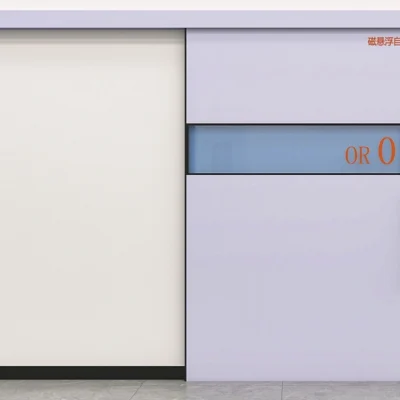
- Supports displaying the operating room number, with preset room number modification and configuration.
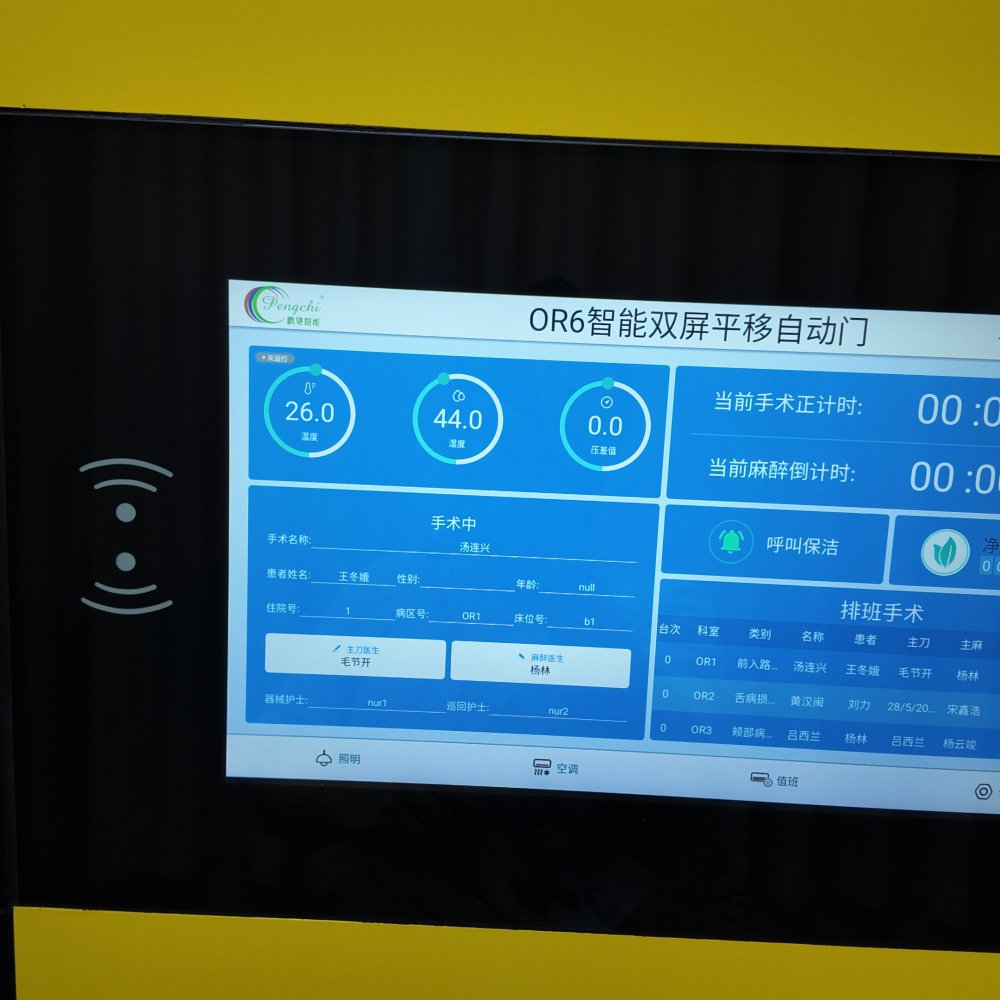
- Connected to the operating room intelligence panel via network communication; supports displaying the operating room’s ambient temperature, humidity, and pressure differential values, with preset modification and configuration of temperature, humidity, and ID.
- Connected to the operating room intelligence panel via network communication; supports displaying the current “surgery elapsed time” and “anesthesia elapsed time.”
- Connected to the operating room intelligence panel via network communication; supports displaying “surgery status information” (Preparing / In Surgery / Surgery Finished).
- Network integration with the hospital’s anesthesia & surgery scheduling system; supports displaying current surgery information and participating personnel information, including: surgery name, patient information, chief surgeon, anesthesiologist, nurses, etc. (includes same-day scheduling list queries and emergency insertion).
- Supports online retrieval of information from a PC-based information publishing system for display or playback.
- Supports interruption (insertion) playback: important notices or prompts can be inserted during ongoing playback.
- Supports intelligent cleanup: when local storage is nearly full, the system can automatically clean up files.
- Connected to the operating room intelligence panel via network communication; supports remote control of operating room lighting switches and remote start/stop of air conditioning units.
- Supports list management, and remote or scheduled power on/off of air conditioning.
Product Parameters
| Product Model | Operating System | Resolution | Product Dimensions | Mounting Box Dimensions | Installation Method | Maintenance Method |
|---|---|---|---|---|---|---|
| PCZDM-06 | Android | 600 × 800 | 1564 × 330 × 3 mm | 195 × 304 × 130 mm | Embedded installation | Front-opening |
Function Operation Description
1. Powering the System On/Off
- Power on: Lightly press the power switch button on the touch screen. The power indicator changes from red to green, the system starts up and enters the boot screen (approximately 20 seconds), then automatically enters the main interface.
- Power off: Press and hold the power switch button for 5 seconds. The power indicator flashes green, then turns red, and the system powers off. Do not remove your finger during this process.
2. Main Interface
The main interface displays the current operating room usage status and the operating room number.2.1 Control Panel Function Buttons
- Lighting 1 switch
- Lighting 2 switch
- Air conditioning switch
- General settings
- Skin (theme)
2.2 Skin (Theme) Settings
Tap the skin theme switch button at the bottom-right corner of the main interface to enter the theme selection page. Five themes are available: Premium Gray, Violet, Sky Blue, Emerald Green, and Ivory White. Tap any theme to switch to it, or tap the button at the top-right corner of the theme selection page to cancel.2.3 Environment Parameter Display
This module records and displays the current operating room environment parameters in real time, including indoor temperature, indoor humidity, indoor pressure differential, formaldehyde, TVOC, CO2, PM2.5, and PM10, providing an objective reflection of the current operating room environment. When the pressure of a certain gas exceeds the warning threshold, the corresponding gas display shows an over-pressure status and flashes, while the buzzer sounds an alarm. Tap “Temperature” or “Humidity” to jump to the corresponding interface, where users can make adjustments as needed.2.4 Current Surgery Timer Display
Accurately and objectively reflects the current surgery progress in the operating room.2.5 Room Self-Purification Time
The default self-purification time is 20 minutes. Tap “Start” to enter the operating room self-purification mode.2.6 / 2.7 On-Duty Information Display
This workstation connects to the hospital information system via the local area network and updates scheduling information in real time, synchronizing with the system to accurately and objectively reflect the current operating room’s patients and doctors.2.8 General Settings
Main functions of general settings: room number, surgery status acquisition method, door screen communication ID, program version, user logo, backup, and other auxiliary function settings. Press the settings button on the main interface, and the system will pop up a “Please enter password” screen. Enter the password to access the system parameter settings interface.2.9 Scheduling Query
Tap the “Scheduling Query” button on the main interface to query the surgery scheduling list. Tap the back button to return to the main interface.Product Wiring Diagram
The system wiring includes connections between the automatic door, network equipment, and the operating room front-door workstation.Product Specifications
| Door opening operating speed | 250–500 mm/s (adjustable) | Door frame material | Aluminum profile door frame |
| Closing operating speed | 250–500 mm/s (adjustable) | Internal filling | Paper honeycomb / Aluminum honeycomb |
| Opening Hours | 2–20 seconds (adjustable) | Reference wall | Earth walls, color-coated steel panels, and light-gauge steel stud walls |
| Use power supply | 220V | Doorway dimensions | Width 1500 × Height 2100 |
| Manually push | <100N | Door body dimensions | Width 1584 × Height 2122 |
| Panel material | Electrostatic Powder Coating on Steel Plates | By size | Width 1484 × Height 2092 |
Reviews
There are no reviews yet.